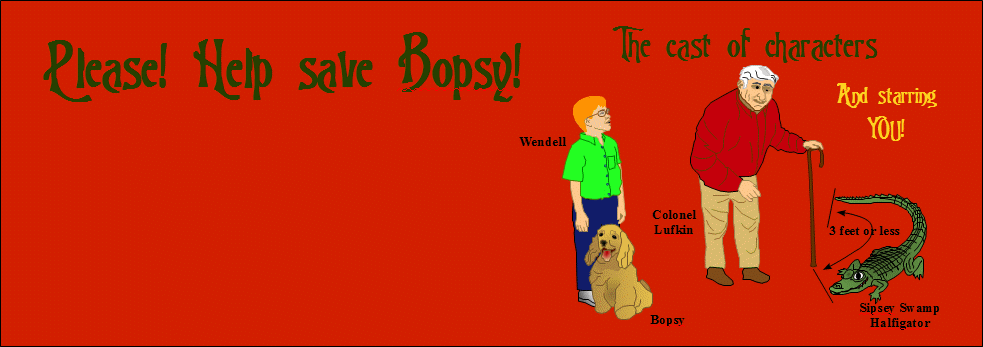

How to move Wendell
You can move Wendell with the arrow keys or by dragging the mouse. Try each method to see which is easiest for you. To use the mouse, press and hold down the left button and drag the mouse continuously in the direction you want Wendell to move. Since you can drag the mouse in any direction, it's easy to turn corners. If you run out of table space to move your mouse, just release the left button, move back to the center of your mouse space and press the button and continue. To use the arrow keys, just press the arrow key that corresponds to the direction you want Wendell to move. Of course there are only four arrow keys, so it takes a little practice to negotiate the corners that are not aligned with the four directions. Each possible exit from an intersection corresponds to one of the arrow keys even if it is not exactly aligned with that arrow direction. Just try the nearest arrows until you find the one for the exit you want. In some browsers you may have to click on the map before you can use the arrow keys. After Wendell has spoken to Colonel Lufkin, you have to click on the map before you can use the arrow keys to move Wendell. Back to main help page Back to Bopsy login |
| Copyright 2010 James W. Wiggins. All rights reserved. |